Just lyrics.

A source for OBS. Not an OBS replacement.

Want a motion background? Compose it in OBS.

We send white lyrics on a black field.

Early stages. Sign up to be part of where this is going.

LYRICS Great Is Thy Faithfulness OBS · Connected
LIVE
Great is Thy faithfulness, O God my Father; There is no shadow of turning with Thee;
PREVIEW
Thou changest not, Thy compassions, they fail not; As Thou hast been Thou forever wilt be.
SlidesScale

Verse 1

Great is Thy faithfulness, O God my Father;
02LIVE
Thou changest not, Thy compassions, they fail not;
03NEXT

Chorus

Great is Thy faithfulness! Morning by morning
04
All I have needed Thy hand hath provided
05

Built for the people who actually run Sunday morning.

  • Worship leaders
  • Church volunteers
  • Media teams
  • Small churches
  • Growing churches
  • Churches with rotating volunteers

Especially when the person at the desk is not a full-time production professional.

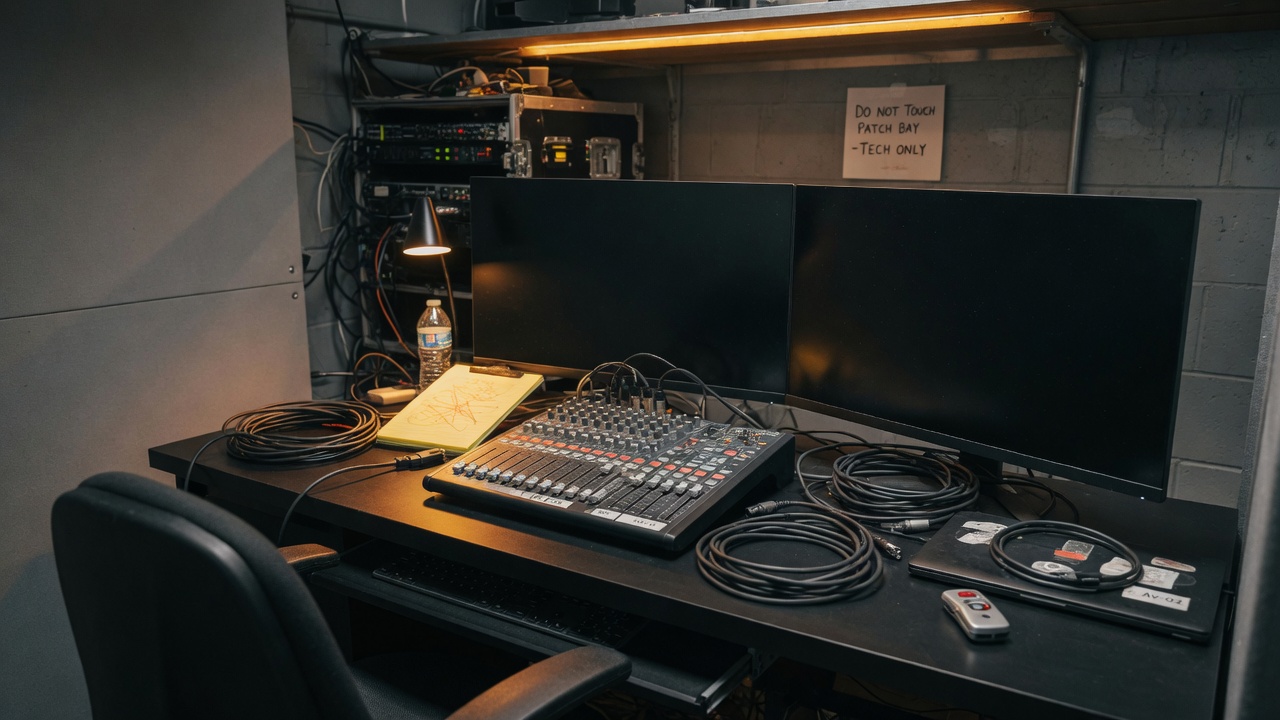
Back-of-house church AV booth with two widescreen monitors at the console

Built for the desk at the back of the house — not a studio that only exists in a brochure.

The problem

Sunday morning shouldn’t feel like tech support.

Someone sends you a Word document with lyrics.

Half the slides need fixing.

The chorus appears in the wrong place.

The font is too small.

You discover a typo five minutes before service.

Then someone asks, “Can you put that verse on the screen?”

Lyrics Presentation was built to make all of that easier.

From lyrics to live

From lyrics to an OBS source in minutes.

01

Add your lyrics

Paste or import a .txt file. Keep the original source so you can fix a line and rebuild.

EDITSource
Great Is Thy Faithfulness [VERSE 1] Great is Thy faithfulness, O God my Father;
02

Organize your slides

Rebuild turns lyrics into slides. Reorder, edit a line, or jump by section—without a menu hunt.

SLIDES

Chorus

Great is Thy faithfulness!
All I have needed
03

Send it to OBS

House output is white lyrics on black. Point an OBS Browser Source at it. The rest of the scene stays in OBS.

LIVEBrowser source
Morning by morning
new mercies I see;

Features

Lyrics, then OBS. That’s the split.

Smart lyric slides

Stop building lyric slides one by one.

Paste the song. Rebuild. Slides stay white lyrics on a black field—readable, not decorated. Volunteers are not constructing every slide by hand.

  • Automatic slide creation from source text
  • Clean, congregation-readable typography
  • Section labels in the sorter, never on the house screen
  • Edit a slide when a line needs a fix
EDITOR Great Is Thy Faithfulness
Rebuild SlidesPresent
Great Is Thy Faithfulness [VERSE 1] Great is Thy faithfulness, O God my Father; Thou changest not, Thy compassions, they fail not; [CHORUS] Great is Thy faithfulness! Great is Thy faithfulness!
Great Is Thy
Faithfulness
Great is Thy faithfulness,
O God my Father;
Thou changest not,
Thy compassions, they fail not;
Great is Thy faithfulness!

Visual slide sorter

See the whole song at a glance.

Every verse, chorus, bridge, and tag is visible at once. Select, jump, and fix slides without digging through menus. The operator surface is the sorter—not a hidden slide list.

SORTER Great Is Thy Faithfulness

Title

Great Is Thy Faithfulness
01

Verse 1

Great is Thy faithfulness, O God my Father;
02
Thou changest not
03

Chorus

Great is Thy faithfulness!
04
All I have needed
05

Bridge

Pardon for sin and a peace that endureth
10

Built for volunteers

If you can run a slideshow, you can run this.

The presenter is intentionally simple: previous and next, current and next slide, slide number, LIVE and PREVIEW, GO LIVE, and BLACK. Your volunteer shouldn’t need a certification to run lyrics.

PRESENTER Great Is Thy Faithfulness Link live
LIVE · 02
Great is Thy faithfulness,
O God my Father;
PREVIEW · 03
Thou changest not,
Thy compassions, they fail not;

Service set

Build the service once. Run it straight through.

Tag this Sunday’s songs and keep them at the top of the library, in order. Volunteers open the app and see the set—not last month’s whole catalog. One song at a time on the presenter; the set is how you line the morning up.

LIBRARYThis Sunday
Service set
1 Open the Gates
2 Great Is Thy Faithfulness
3 How Great Thou Art
4 Doxology
Library
It Is Well
Holy, Holy, Holy

CCLI

Even the boring stuff is easier.

Put copyright / CCLI text in the source and it becomes the last slide. One less thing to remember before the service starts—not the reason you buy the software, just a quieter morning.

CCLI Song #139
Words: Thomas O. Chisholm
Music: William M. Runyan

Source for OBS

We send the lyrics. OBS makes the picture.

The house output is white text on a black field. Drop it in as an OBS Browser Source. Color-key the black, or stack it over the scene you already run. Cameras, loops, lower thirds, motion—that’s OBS.

  • Just lyrics—light text on a dark field
  • Browser Source into the setup you already have
  • If you want a beautiful motion background, compose that in OBS
  • This is not an OBS replacement
Blank computer monitor in a church tech booth
Great is Thy faithfulness,
O God my Father;
House
OBS source
O God my Father;
There is no shadow
of turning with Thee;
Stage
Verse 1 · full section
BOH

The picture

Motion lives in OBS. Words live here.

OBS

Loops, cameras, light, motion—the scene you already know how to build.

Great is Thy faithfulness,
O God my Father;
Together

Key or overlay the lyric source on top. One job each.

Designed for Sunday morning

At 9:47 AM, you don’t need more software. You need to know it’s going to work.

Lyrics Presentation is designed around the reality of church volunteers:

  • You may not use it every week.
  • You may inherit someone else’s computer.
  • You may discover a typo five minutes before service.
  • Someone may change the song order.
  • The worship leader may repeat the chorus unexpectedly.

Those moments should be manageable instead of stressful. Fix the typo. Move the slide. Keep going.

Less complexity. More confidence.

Trying to do it all in one box

  • Build lyric slides by hand
  • Park backgrounds inside the same file
  • Hunt through menus for a verse
  • Replace a whole presentation stack
  • More software than Sunday needs

Lyrics Presentation + OBS

  • Just lyrics—light text on a dark field
  • Motion and cameras stay in OBS
  • Browser Source into the scene you already run
  • Jump verses from a volunteer-simple presenter
  • Not an OBS replacement

Who it’s for

Software volunteers can actually use.

Small churches

Professional presentations without a dedicated media department.

Volunteer teams

Easy enough for someone who only operates it occasionally.

Worship leaders

Spend less time preparing slides and more time preparing worship.

Church media teams

A simpler workflow for recurring services and rotating operators.

Product tour

The whole app in half a minute.

EDITSource text
Great Is Thy Faithfulness [VERSE 1] Great is Thy faithfulness, O God my Father; [CHORUS] Great is Thy faithfulness! [CCLI] CCLI Song #139

Keep the original lyrics. Rebuild when a line changes.

From churches

What operators notice.

Example placeholders — replace these with real notes from churches when you have them. They are not customer endorsements.

Example placeholder

“Lyrics Presentation changed the way our volunteers prepare for Sunday.”

Name
Church / Role
Example placeholder

“I can hand the desk to someone who only serves once a month.”

Name
Church / Role
Example placeholder

“We stopped rebuilding the same song in a new file every week.”

Name
Church / Role

Resources

We are not the only tool in the booth.

If you need a full church presenter, use one. If you need a picture, OBS already does that. Lyrics Presentation stays the lyric source.

Church presenter

FreeShow

Free and open-source presenter for the whole show—lyrics, media, scripture, and more.

freeshow.app

More

Tools and ideas

OBS, FreeShow, and notes on what we are not folding into this product.

Resources

FAQ

Short answers.

Do I need technical experience?

No. Lyrics Presentation is designed specifically to be approachable for volunteers.

Is this an OBS replacement?

No. This is a lyrics source. If you want a beautiful motion background, compose that in OBS.

What does the output look like?

White lyrics on a black field. That’s the point—clean enough to key or overlay in OBS.

Can I use my existing projector?

Yes. Send the House output to a display, or more typically drop it into OBS as a Browser Source and let OBS feed the house.

Can I use it with OBS?

Yes. Point an OBS Browser Source at the local House view. Optional WebSocket can switch scenes on GO LIVE or BLACK. OBS still owns the rest of the scene.

Can I edit lyrics after creating slides?

Yes. Change the source and rebuild, or edit an individual slide. Rebuild warns you if a slide was edited by hand.

Can I rearrange slides?

Yes, using the visual slide sorter and source order. Section tags keep verses, choruses, and tags easy to find.

Can I prepare an entire service?

You can line up this Sunday’s songs in a service set so they stay at the top of the library in order. The presenter still runs one song at a time.

Does it generate CCLI information?

Yes. Put the licensing block in the source text and it becomes the CCLI slide using the application’s supported licensing workflow.

Can multiple volunteers use it?

Yes, on the same church computer. The library lives locally. There is no cloud account yet.

What does it cost?

Free for churches. Commercial use requires a purchase. Song licenses (including CCLI) are still yours to hold. See Terms for the distinction.

Is this finished software?

It’s early. Sign up if you want to be part of where this is going.
Just lyrics. Then OBS.

Free for churches. Commercial use requires a purchase. Sign up if you want to be part of where this is going.